

Story Creator
Branching stories, built your way — no mouse-driven visual canvas required. This low vision, screen reader, and keyboard accessible tool lets you write choice-driven stories with plain headings, native disclosure widgets, and real links, play them back in the browser as you build, with built-in text-to-speech, or export a real Ink script.
Open App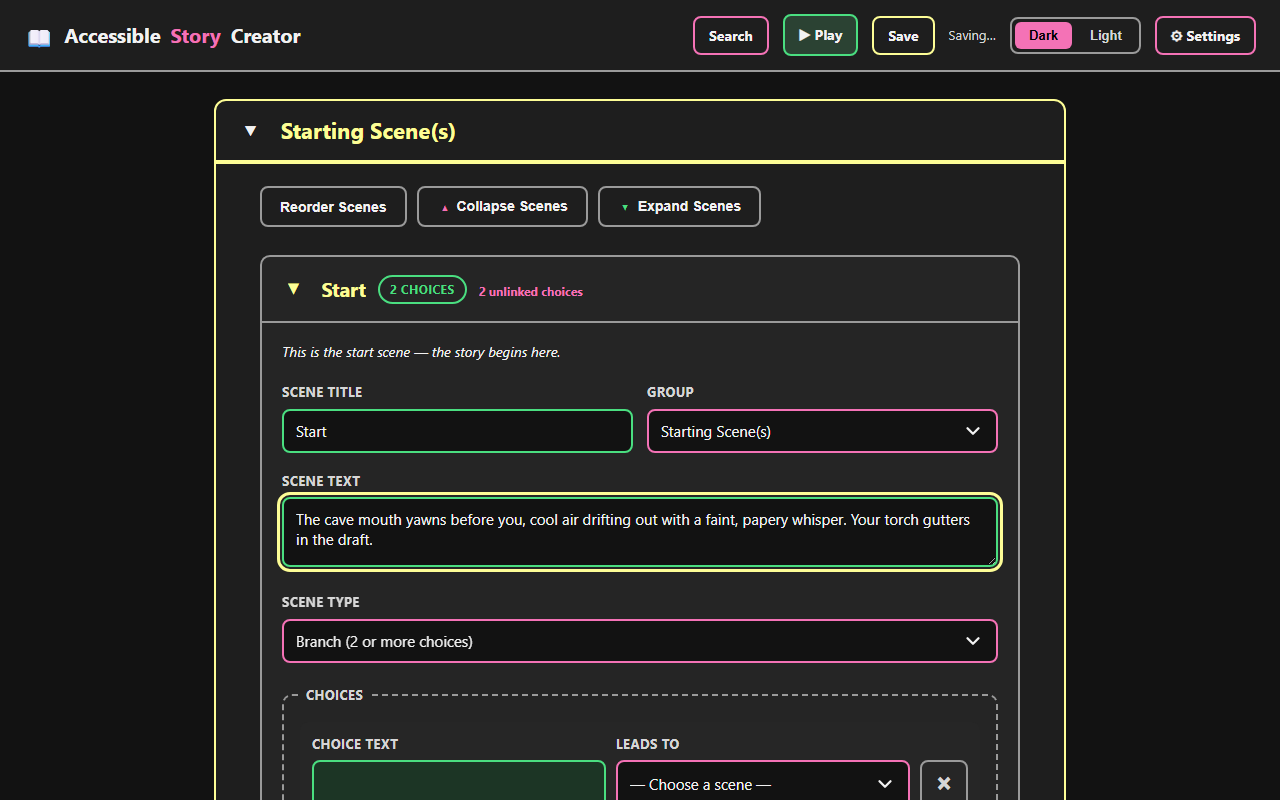
Write With Headings and Links, Not a Canvas
Build branching scenes with plain text fields and dropdowns — no drag-and-drop canvas required.
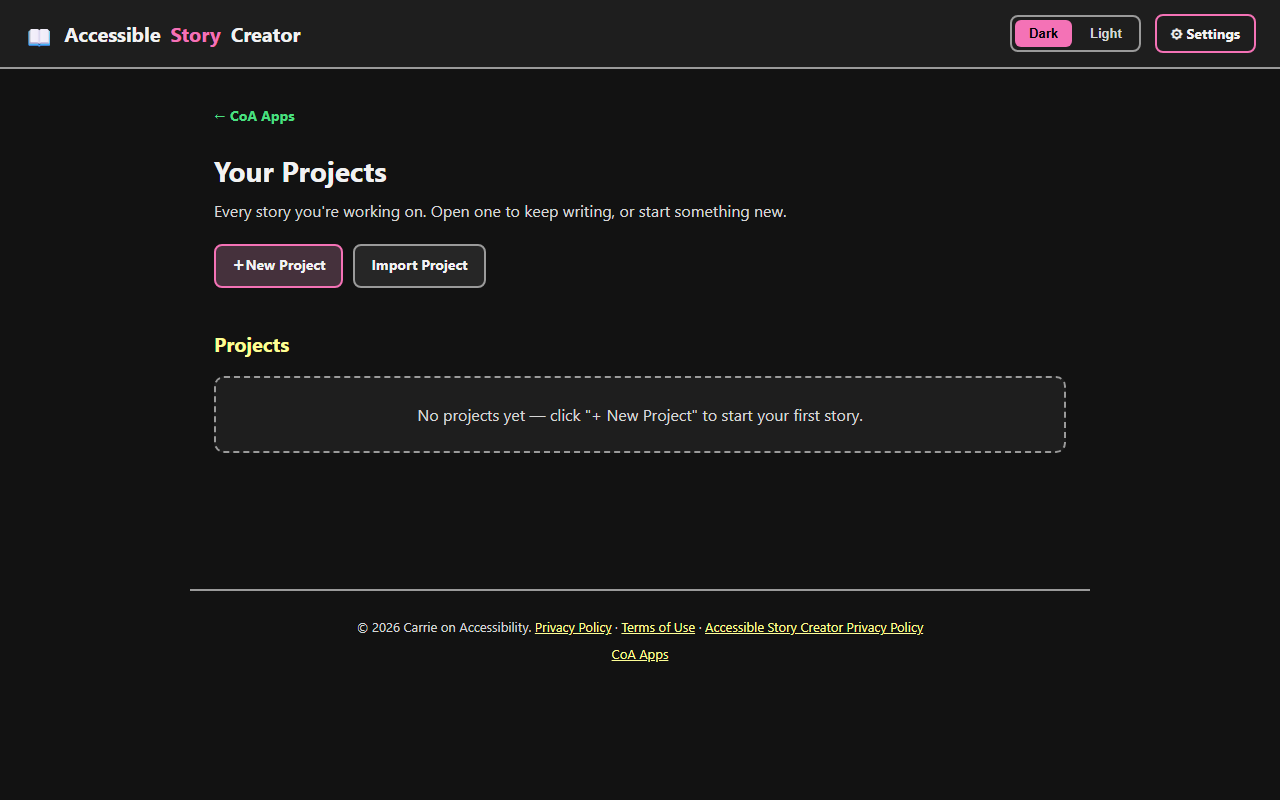
Every Story You're Working On
Start a new project or import one, and pick up right where you left off.
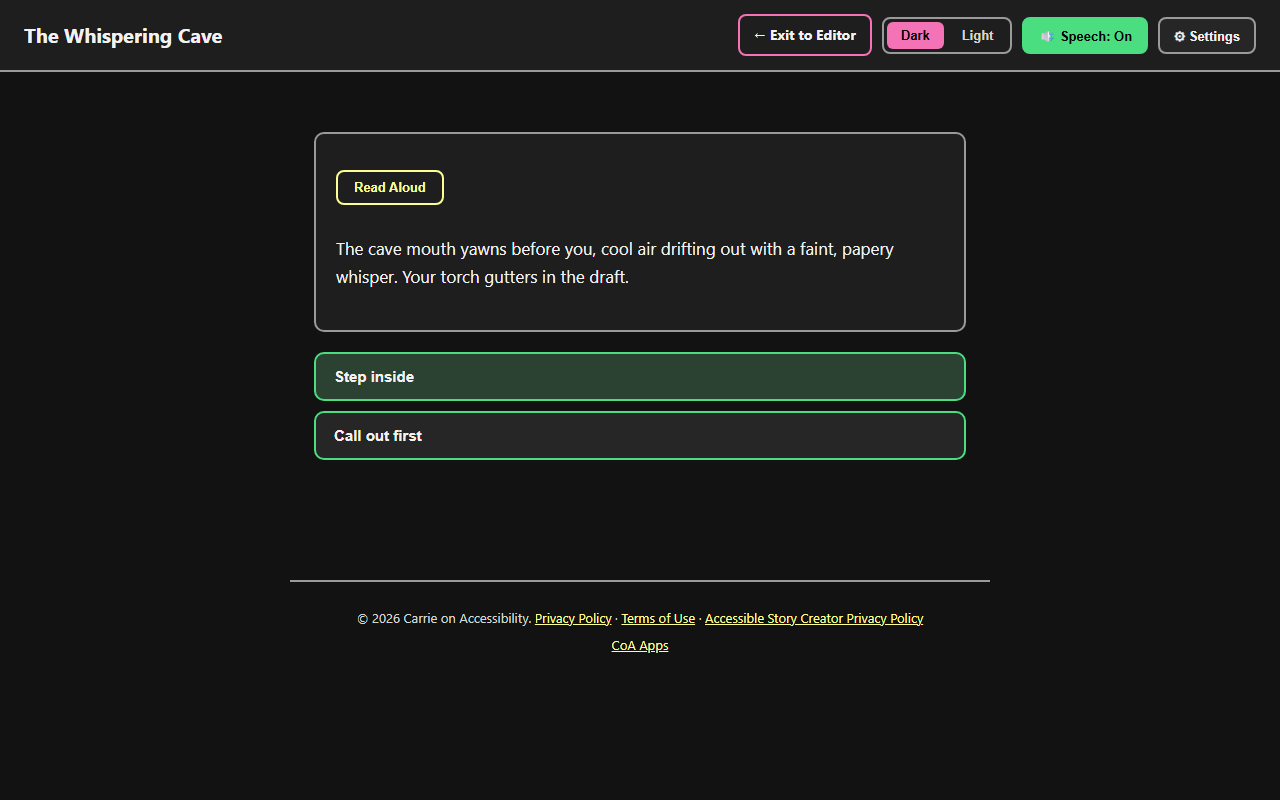
Play As You Build
Try your story in the browser at any point, with built-in text-to-speech reading each scene aloud.
Screenshot 1 of 3: Story Creator editing the Start scene of a project called The Whispering Cave, with fields for Scene Title, Scene Text, Scene Type, and two branching Choices. Write With Headings and Links, Not a Canvas. Build branching scenes with plain text fields and dropdowns — no drag-and-drop canvas required.
Key Features
- List-based scene editor — every scene is a collapsible section with a title, type (Branch, Pass-through, or Ending), text, and choices. No drag-and-drop canvas to navigate.
- Multiple projects — start as many stories as you want; each is saved separately and can be opened, renamed, or deleted from the Projects page.
- Real-time play testing — press Play at any time to walk through your story exactly as a player would, choice by choice.
- Text-to-speech — Read Aloud and auto-narration read scene text, choices, and button labels aloud while playing, with a choice of voice and speed.
- Story Map — a read-only outline of how every scene connects, so you can see the shape of a branching story without a diagram.
- Export to Ink — download your story as a real
.inkscript, the format used by Inkle's Ink scripting language, readable in the free Inky editor. - Autosave (with an on/off setting) plus a warning before leaving the page with unsaved changes.
- Adjustable interface size, editing text size, and content width for low vision users, independent of your browser's own zoom.
Accessibility
- The editor is a list, not a canvas — every scene is a native disclosure with a real heading, and every connection is a real link, not a line between boxes.
- Save status and validation warnings are announced to screen readers through live regions.
- Every modal traps keyboard focus while open, closes with Escape, and returns focus when closed.
- Read Aloud and Play mode read scene text and choices aloud, and adjustable interface size, text size, and zoom support low vision users.
Categories
Creativity Web App