

Math Flashcards
Math facts, on your terms. This low vision, screen reader, and keyboard accessible trainer covers addition, subtraction, multiplication, and division — pick an operation, a difficulty from Easy to Legendary, and a question-count or timed challenge, then answer with the keyboard or an on-screen number pad, with full text-to-speech and adjustable text size.
Open App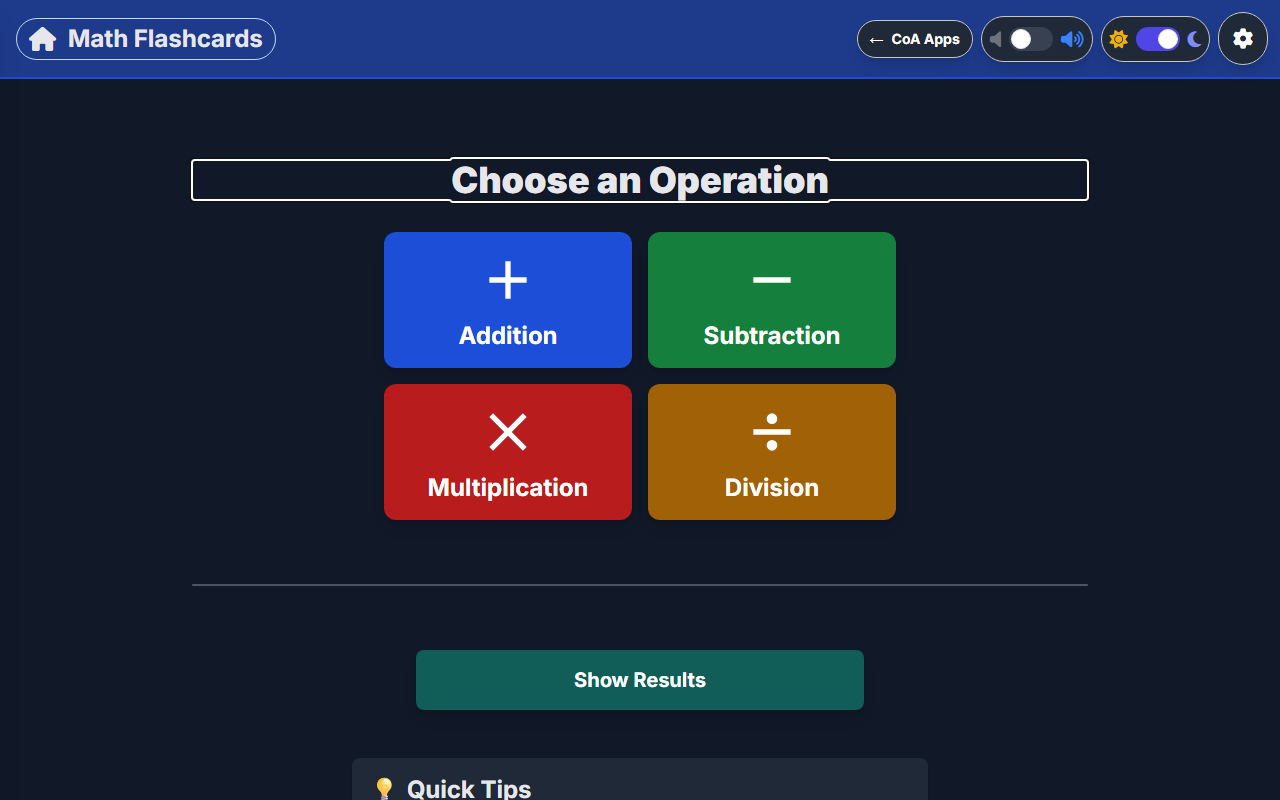
Choose Your Operation
Pick addition, subtraction, multiplication, or division, then a difficulty from Easy to Legendary.
Answer Your Way
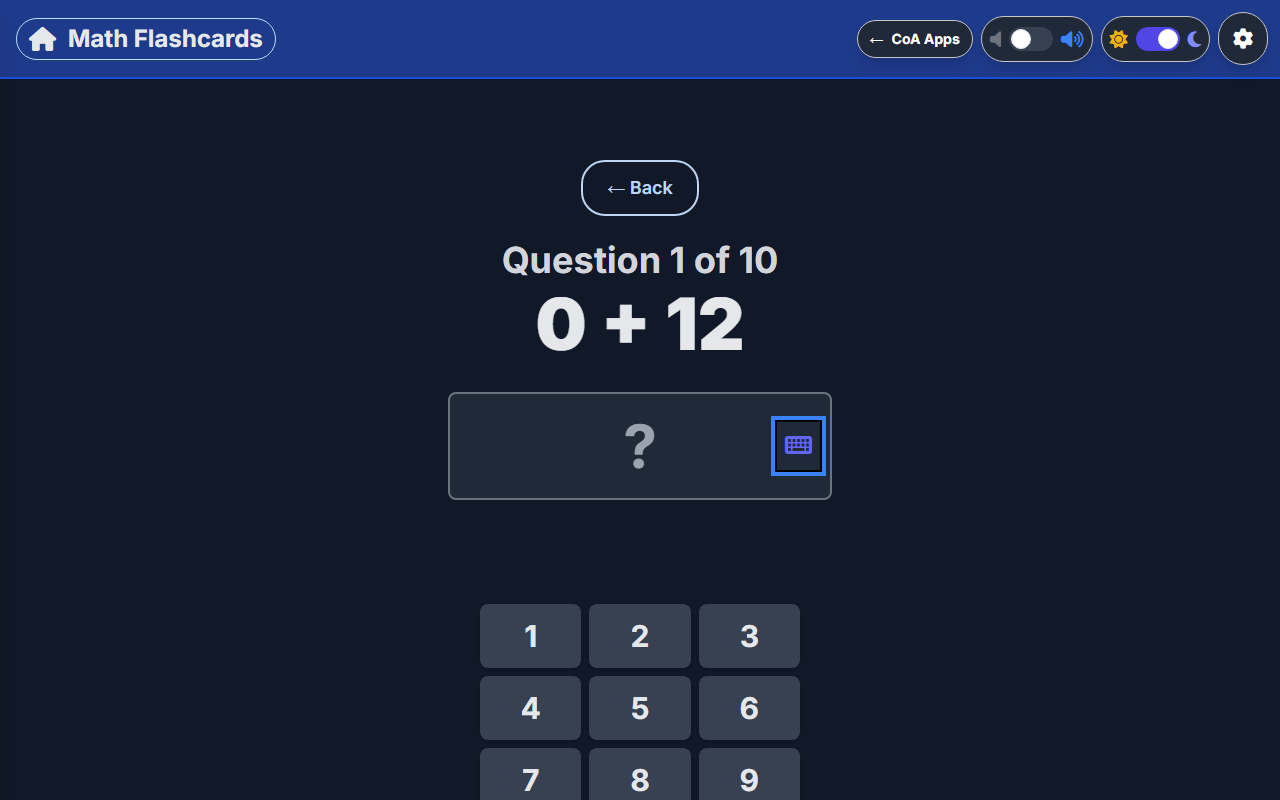
Type an answer with the keyboard or tap it out on the on-screen number pad, with full text-to-speech support.
Made To Fit You
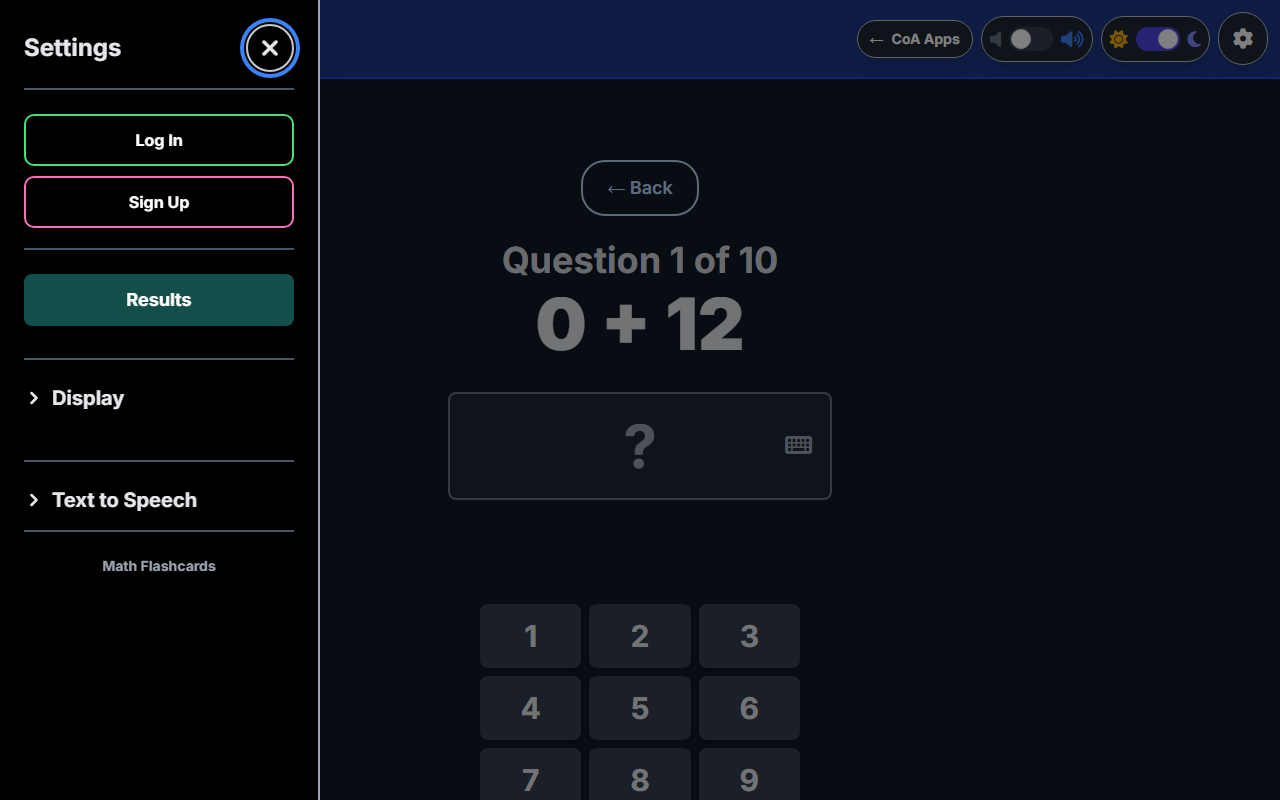
Adjust text size, weight, and speech settings, and sign in to save your results.
Screenshot 1 of 3: Math Flashcards start screen with a Choose an Operation heading and four colored buttons for Addition, Subtraction, Multiplication, and Division, plus a Show Results button below. Choose Your Operation. Pick addition, subtraction, multiplication, or division, then a difficulty from Easy to Legendary.
How to Play
- Choose an operation: Addition, Subtraction, Multiplication, or Division.
- Choose a difficulty — Easy, Medium, Hard, Master, or Legendary — or build a Custom set by picking your own fact families (the numbers you want to practice with).
- Choose a challenge length: a fixed-question Gauntlet (10–50 questions) or a timed Cosmic Clock round (1–10 minutes).
- Type your answer or tap the on-screen number pad, then submit it (Enter, the checkmark, or auto-advance, depending on Settings).
- Answer 5 in a row correctly to trigger a Streak celebration, with bigger callouts at 10, 15, 20 and beyond.
- When the round ends, see your accuracy, score, and time, plus Hall of Fame top scores and recent history for that operation.
Accessibility
- Every screen is fully keyboard-operable, including an on-screen number pad and a Settings panel with proper focus trapping.
- Built-in text-to-speech reads questions, feedback, and streak celebrations aloud, with adjustable speed and voice.
- Question advance can be set to Manual or Automatic.
- Question font size (Small through Extra Large) and weight are independently adjustable, with a dark mode and high-contrast focus outlines for low vision users.
Categories
Educational Math