

Lego Math Battle
Outbuild the robot. Lego Math Battle is a low vision, screen reader, and keyboard accessible math battle — race the Robo-Builder 3000 to build a LEGO-style structure before it does, answering correctly to add bricks to yours while it builds on a timer, then unlock power-ups across 5 levels to win.
Play Now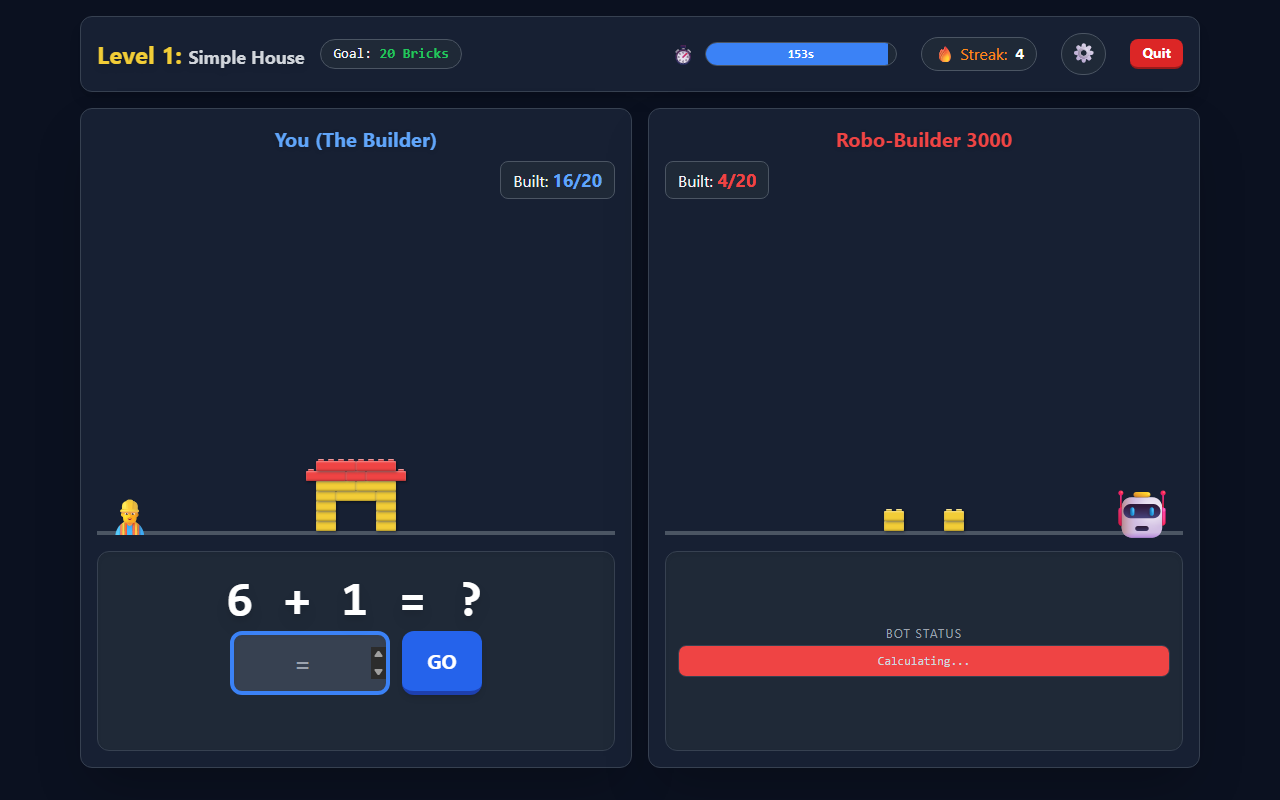
Race the Robo-Builder
Answer correctly to add bricks to your structure while the robot builds on its own timer.
5 Levels, Your Difficulty
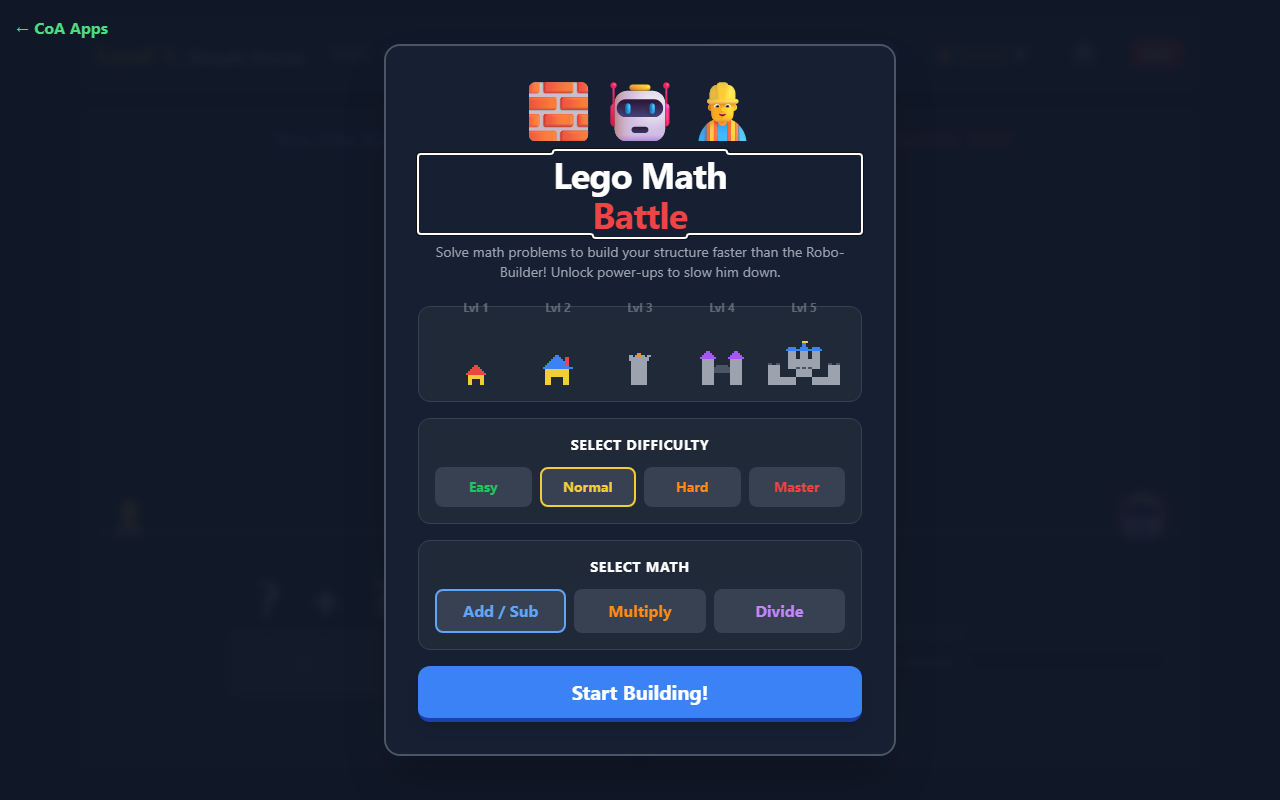
Pick a difficulty from Easy to Master and a math focus, then climb from a Simple House to a full castle.
Sign In To Save Progress
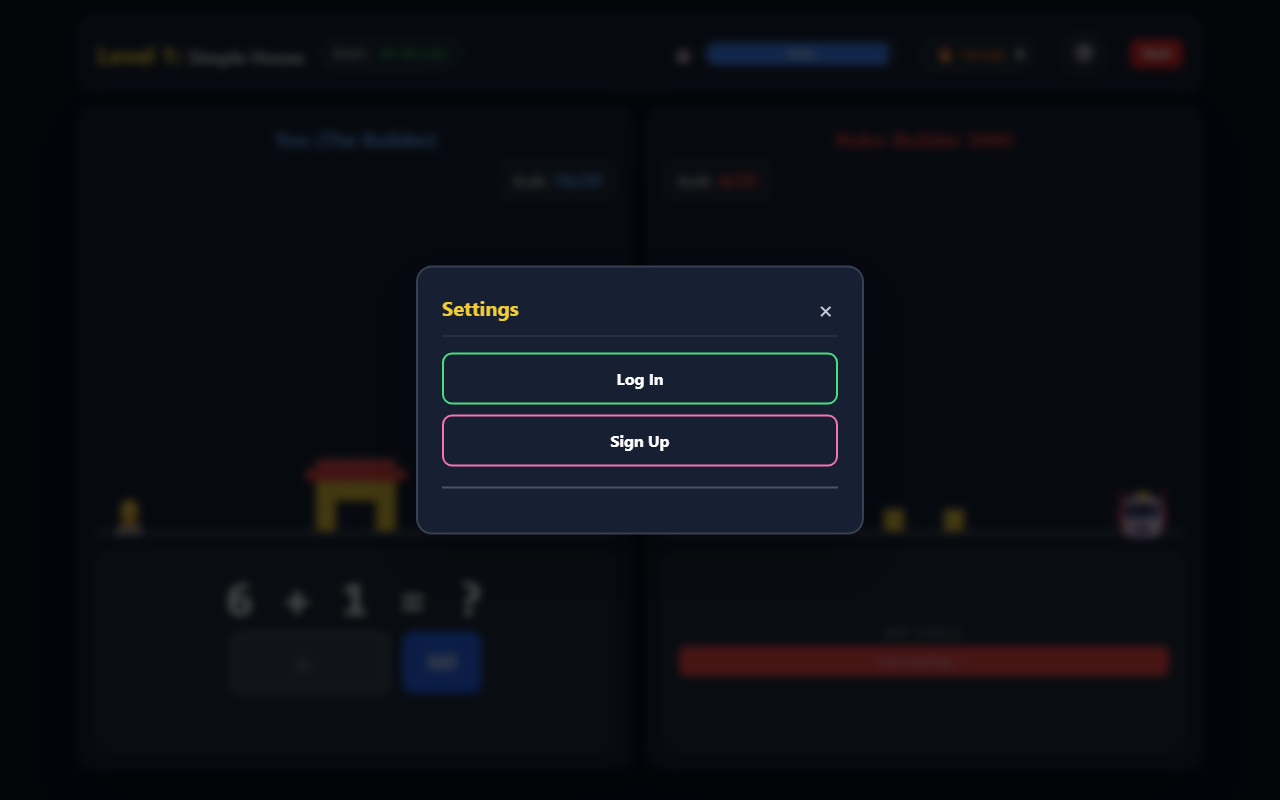
Log in or sign up right from the game to keep your progress across sessions.
Screenshot 1 of 3: Lego Math Battle gameplay showing Level 1: Simple House, a partially built structure at 16 of 20 bricks against the Robo-Builder 3000's 4 of 20, and the question 6 + 1 with an answer field. Race the Robo-Builder. Answer correctly to add bricks to your structure while the robot builds on its own timer.
How to Play
- Choose a math mode (Add/Sub, Multiply, or Divide) and a difficulty, then select Start Building!
- Each level shows its brick goal and time limit — press Ready? GO! to begin.
- Type the answer and press GO (or Enter). Correct answers add bricks and build your streak; a wrong answer briefly locks input and resets it.
- The Robo-Builder 3000 adds its own bricks automatically, speeding up at higher levels — you're racing it, not just the clock.
- From Level 2 on, unlock power-ups — Arrow, Grenade, and Mega Bomb — by building answer streaks. Fire one (click or Space) to knock bricks off the robot's build and add bonus time.
- Finish your structure first to win the level. Beat all 5 levels to earn the "Master Builder" ending.
Accessibility
- The game is fully keyboard-operable: answers submit with Enter, power-ups fire with Space.
- Overlay screens move focus to their heading and make the board behind them inert, so keyboard users are never left tabbing into hidden content.
- Correct answers, wrong answers, and power-up hits are announced as text through a live region — supporting low vision and screen reader players.
- Difficulty and mode selections expose which option is chosen to assistive technology, and decorative icons are hidden from screen readers.
Categories
Educational Math